
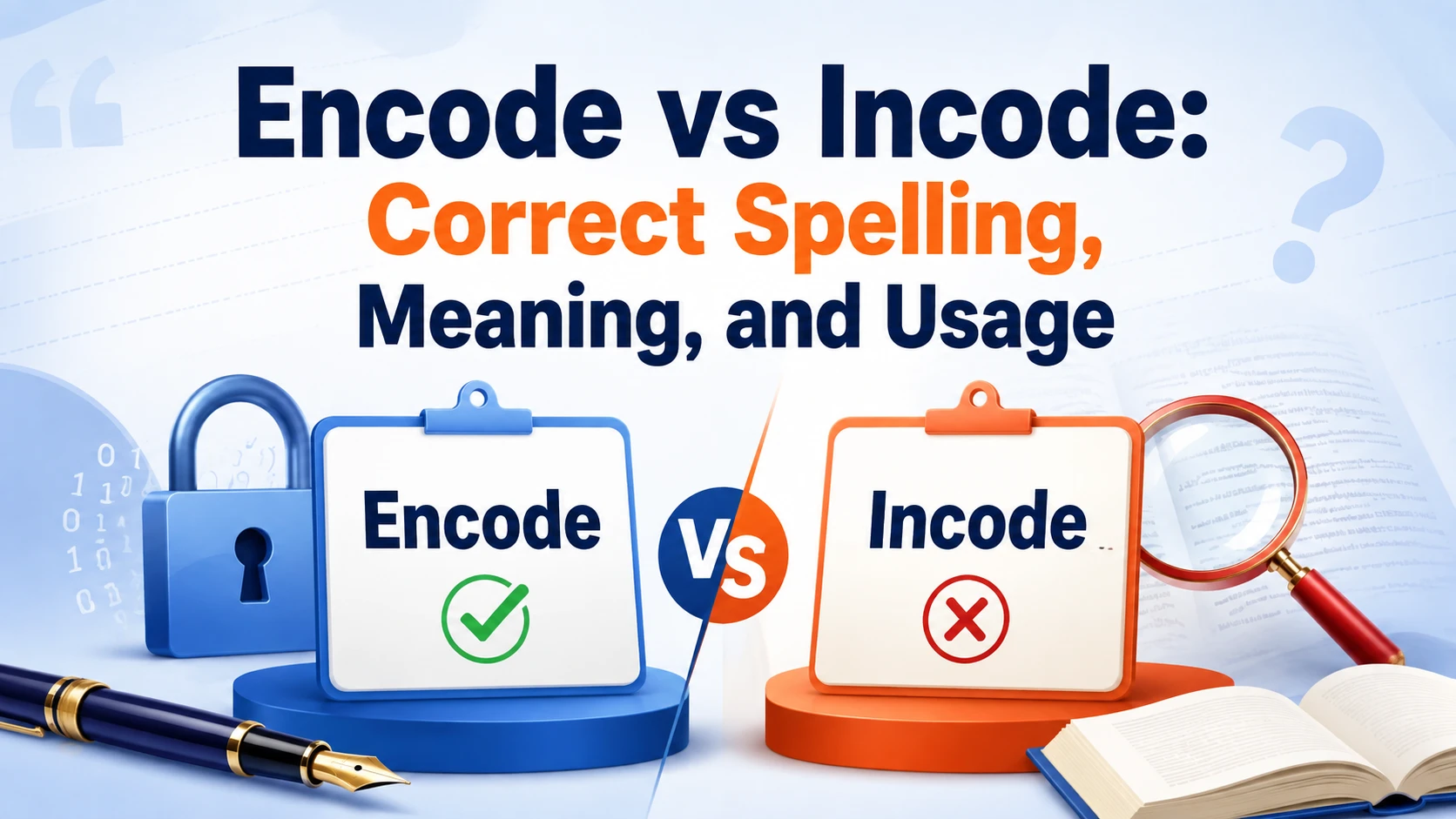
Encode vs incode is a common spelling question, especially among students, writers, developers, and people working with technology. The two forms look similar and may sound alike in fast speech, but they are not interchangeable. Encode is the correct and accepted word in standard English, while incode is generally a misspelling when used to describe the process of converting information into a coded or structured format.
The word encode is widely used in computing, programming, data processing, communication, and technical writing. It refers to representing information in a particular format so that a system can store, process, transmit, or interpret it. Understanding the correct spelling and meaning helps you write more accurately and avoid confusion in professional, academic, and technical contexts.
This guide explains the difference between encode and incode, shows how to use encode correctly, and explores its meaning in technology. You will also learn how encoding differs from encryption and decoding, along with practical examples and simple memory tips.
Encode vs Incode — Quick Answer
| Word | Correct? | Meaning |
| Encode | ✅ Yes | To convert or represent information in a particular format |
| Incode | ❌ Usually no | A common misspelling of encode |
The simple rule is:
Use “encode” when referring to converting or representing information in a coded format.
Do not use “incode” as a standard English verb.
However, Incode may appear as a company name, product name, or other proper noun. In that situation, it is a name rather than a standard vocabulary word.
What Does “Encode” Mean?
Encode is a verb that means to convert, represent, or arrange information according to a particular system or format.
In technology, encoding helps information move between devices, software programs, websites, and communication systems. Different types of data may use different encoding methods depending on how the information needs to be stored, processed, or transmitted.
For example:
The application encodes the text before sending it to the server.
In this sentence, the application changes the text into a format that another system can process correctly.
Encode Definition in Simple English
To encode something means:
To change or represent information in a specific form.
Examples include:
- Encoding text
- Encoding characters
- Encoding website data
- Encoding audio
- Encoding video
- Encoding information for transmission
The exact meaning may change slightly depending on the context, but the main idea remains the same: information is represented according to a set of rules.
Is “Incode” a Correct Word?
In ordinary English, incode is not the accepted spelling when you mean to convert information into a coded format. Most people who write incode intend to write encode.
Incorrect:
The software incodes the user’s information.
Correct:
The software encodes the user’s information.
The spelling difference is small, but it matters in technical and professional writing. Using encode helps maintain accuracy and makes your meaning clear to readers.
Why Do People Confuse Encode and Incode?
Several factors can cause this spelling mistake.
Similar Pronunciation
When spoken quickly, the beginning of encode may sound similar to in-. Writers sometimes spell the word according to what they hear instead of checking its standard form.
Prefix Confusion
English contains many words beginning with en- and in-.
Examples with en- include:
- Enable
- Encourage
- Enforce
- Encode
Examples with in- include:
- Include
- Inform
- Inject
- Input
Because both prefixes are common, it is easy to choose the wrong one when spelling from memory.
Fast Typing
Technical writing often contains unfamiliar vocabulary, long terms, and specialized expressions. A small typing error can quickly change encode into incode.
Limited Familiarity With Technical Terms
Some people understand what encoding does but have not seen the word often enough to remember its spelling. Reading and using common phrases such as encode data, encode text, and encode information can make the correct form easier to remember.
Encode as a Verb
Encode is a regular verb. Its common forms are:
| Verb Form | Example |
| Encode | Developers encode the data. |
| Encodes | The software encodes the text. |
| Encoded | The system encoded the information. |
| Encoding | Encoding helps systems exchange data. |
All standard forms begin with en-:
- Encode
- Encodes
- Encoded
- Encoding
Not:
- Incode
- Incodes
- Incoded
- Incoding
How to Use “Encode” in Sentences
The best way to understand a word is to see it in natural sentences.
Technology Examples
The browser encodes special characters in the web address.
The application encodes text before transferring it to another system.
The software encodes the video before it is streamed.
The system encodes the information in a format that other devices can understand.
Programming Examples
Developers encode user input before adding it to a web address.
The application encodes data before sending it to another service.
The program encodes text so that different systems can display it correctly.
Everyday Examples
QR codes encode website addresses and other information.
The scanner encodes ticket details in a digital format.
People can encode information through words, symbols, and images.
What Is Encoding in Technology?
In computing, encoding is the process of representing information in a particular format according to defined rules.
Digital systems store and process information using binary values. Different encoding methods explain how specific types of information, such as text, images, audio, or video, should be represented and interpreted.
Encoding can help with:
- Data storage
- Information processing
- Data transmission
- System compatibility
- Text display
- Digital communication
For example, a character encoding tells a computer how letters, numbers, symbols, and other characters should be represented.
Character Encoding
Character encoding allows computers to store, process, and display written characters.
Computers do not interpret letters in the same way people do. An encoding system provides rules that connect characters with numerical values or sequences of bytes.
Character encoding is important for:
- Websites
- Documents
- Databases
- Software applications
- Multilingual communication
If two systems use incompatible character encodings, text may display incorrectly. You may see broken symbols, unexpected characters, or unreadable text.
ASCII
ASCII is an early character encoding standard that assigns numerical values to letters, numbers, punctuation marks, and control characters.
For example, uppercase A has the decimal value 65 in ASCII.
ASCII was important in the development of modern computing, but it supports only a limited range of characters. It cannot represent every language and symbol used around the world.
Unicode and UTF-8
Unicode and UTF-8 are closely connected, but they are not the same.
What Is Unicode?
Unicode is a universal character standard that provides unique code points for characters used across many languages and writing systems.
Unicode supports:
- English
- Urdu
- Arabic
- Chinese
- Hindi
- Japanese
- Korean
- Mathematical symbols
- Emoji
- Many other characters
This Unicode helps different systems represent the same characters consistently.
What Is UTF-8?
UTF-8 is a widely used encoding that represents Unicode characters as sequences of bytes.
UTF-8 is popular because it:
- Supports many languages
- Works efficiently on the web
- Is compatible with basic ASCII characters
- Allows multilingual content to display correctly
Most modern websites use UTF-8 to support international text and symbols.
URL Encoding
Web addresses cannot use every character directly in every situation. Some characters have special meanings, while others need to be represented in an encoded form.
For example, a space may be represented as:
%20
This process helps browsers and servers interpret web addresses correctly.
URL encoding is useful when a web address contains:
- Spaces
- Special symbols
- Non-English characters
- Reserved characters
Base64 Encoding
Base64 is a method that represents binary information using a limited set of text characters.
It is commonly used when binary data needs to be stored or transferred through systems designed mainly for text.
Base64 may be used with:
- Email attachments
- Embedded data
- Data transfer
- Web applications
- Digital communication
Base64 does not encrypt or protect information. It changes the way information is represented, and the original data can usually be recovered through decoding.
Audio and Video Encoding
Audio and video files contain large amounts of digital information. Media encoding helps represent and compress this information so that files can be stored and delivered more efficiently.
Encoding can help:
- Reduce file size
- Improve streaming performance
- Support different devices
- Make media easier to transmit
Streaming services may create several encoded versions of the same video so users with different internet speeds can receive an appropriate quality level.
Encode vs Encrypt vs Decode
Encode, encrypt, and decode are related to information, but they serve different purposes.
| Term | Main Purpose | Provides Security? |
| Encode | Changes or represents information in a particular format | No |
| Encrypt | Protects information from unauthorized access | Yes |
| Decode | Converts encoded information into an interpretable form | No |
Encoding
Encoding changes the representation of information so that a system can store, process, transmit, or interpret it.
Example:
The application encodes the text using a standard character format.
Encryption
Encryption protects information by transforming it so that unauthorized people cannot read it without the required access or key.
Example:
The system encrypts sensitive information before storing it.
Decoding
Decoding interprets or converts encoded information according to the rules of the relevant encoding method.
Example:
The browser decodes the information before displaying it.
Why Encoding Is Not Encryption
Many people assume that encoded information is automatically secure. This is incorrect.
Encoding is generally used for:
- Compatibility
- Data representation
- Storage
- Processing
- Transmission
Encryption is used for:
- Privacy
- Confidentiality
- Security
- Protection from unauthorized access
A simple way to remember the difference is:
Encoding changes the format of information.
Encryption protects the information.
Common Uses of Encoding
Encoding is part of many technologies people use every day.
Websites
Websites use character encoding to display letters, symbols, and multilingual content correctly.
QR Codes
QR codes can encode:
- Website addresses
- Contact details
- Payment information
- Event details
A phone scans and interprets the encoded information.
Email Attachments
Email systems may use encoding methods to transfer files through systems that are designed primarily to handle text.
Streaming Platforms
Audio and video services use encoding to prepare media for storage and delivery.
Software Applications
Applications may encode information when exchanging data between systems or preparing information for a specific format.
Common Mistakes to Avoid
Writing “Incode” Instead of “Encode”
Incorrect:
The system incodes the data.
Correct:
The system encodes the data.
Confusing Encoding With Encryption
Incorrect:
Encoding automatically protects sensitive information.
Correct:
Encoding changes the representation of information, while encryption is designed to protect it.
Treating Unicode and UTF-8 as the Same Thing
Incorrect:
Unicode and UTF-8 are identical.
Correct:
Unicode defines characters and code points, while UTF-8 is an encoding used to represent Unicode characters.
Ignoring Character Encoding
Using inconsistent character encoding settings can cause:
- Broken text
- Incorrect symbols
- Display errors
- Data-processing problems
How to Remember the Correct Spelling
Use this simple memory trick:
ENcode → ENable
Both words begin with:
EN
You can also remember common phrases such as:
- Encode data
- Encode text
- Encode a file
- Encode information
The correct spelling is always:
Encode
Quick Practice: Encode or Incode?
Choose the correct word.
1. The application will ________ the text before sending it.
Answer: Encode
2. The browser ________ special characters in the web address.
Answer: Encodes
3. The software is ________ the video for streaming.
Answer: Encoding
4. Which sentence is correct?
❌ The program incodes the information.
✅ The program encodes the information.
Key Takeaways
| Key Point | Explanation |
| Correct spelling | Encode |
| Incorrect in ordinary usage | Incode |
| Main meaning | Convert or represent information in a particular format |
| Encoding purpose | Storage, processing, transmission, and compatibility |
| Encryption purpose | Security and confidentiality |
| Unicode | A universal character standard |
| UTF-8 | An encoding used to represent Unicode characters |
| Memory tip | ENcode → ENable |
Conclusion
Understanding Encode vs Incode Correct Usage is easier once you know that encode is the correct word, accepted form, and recognized term in standard English, programming, and technical communication. While incode may appear because of a spelling mistake, typing error, or common confusion, it is not considered a standard English word. Learning the meaning difference, proper usage, and contextual usage helps improve writing accuracy, language accuracy, communication clarity, and technical accuracy. Whether you are working with data encoding, software development, technical writing, or everyday communication, choosing encode correctly strengthens your writing confidence, language proficiency, and overall professional communication.
FAQs
Q1. What Is the Difference Between Encode and Incode?
The main difference is that encode is a recognized word in English and technical terminology, while incode is generally an incorrect spelling or misspelling. Encode means to convert information into a coded format, whereas incode has no accepted meaning in standard English.
Q2. Is Incode a Real Word in English?
No, incode is not a real word in standard English. Most dictionaries and language references recognize only encode as the correct form. In many cases, incode appears because of a typing error, spelling mistake, or simple word confusion.
Q3. What Does Encode Mean in Programming and Technology?
In programming, software development, and computer systems, encode means to convert information into a specific format, coded format, or encoded format for storage, transmission, data processing, or information transformation. It is a fundamental concept in data encoding, text encoding, and character encoding.
Q4. Why Do People Confuse Encode and Incode?
People often confuse encode and incode because the words sound similar and differ by only one letter. This small spelling difference can easily lead to a common mistake, especially during fast typing, technical writing, or digital communication.
Q5. How Can I Remember the Correct Usage of Encode?
A simple way to remember the correct usage is to associate encode with coding, encoded data, and information processing. Whenever you are referring to data encoding, programming concepts, or technical communication, use encode. Remember that incode is not the accepted form, making encode the reliable choice for professional writing, academic writing, and everyday communication..
